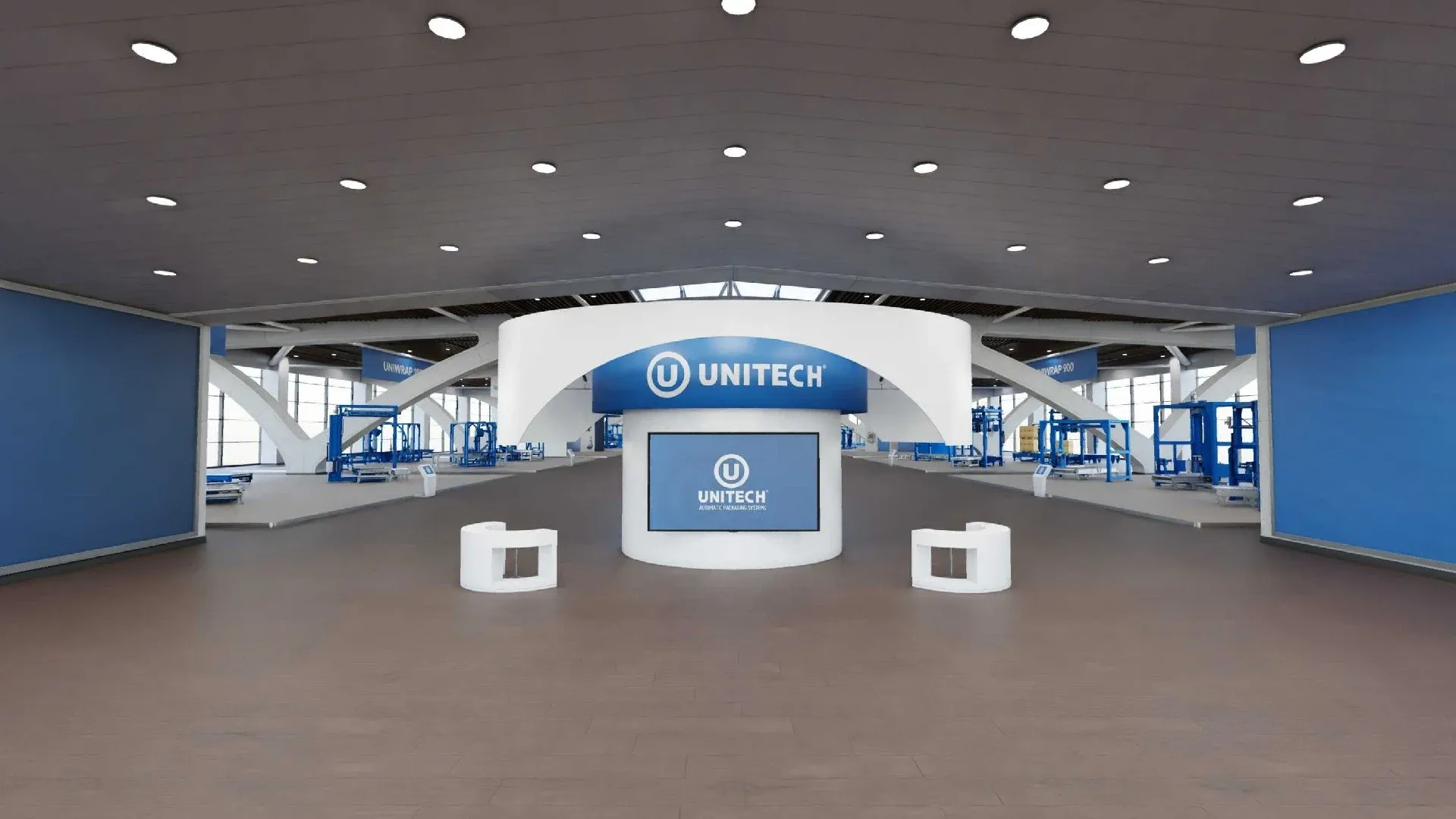
A showroom that does not exist
Unitech builds packaging machines that weigh tonnes and stand metres tall: they cannot travel to a customer meeting, and the whole range does not fit in one showroom. The sales team needed a place to send customers to see all of it from a browser, at any time.
My answer was a hall that exists only in 3D, where every family of machines has its own pavilion and a customer can walk through all of them. I worked on it alone, as a contractor for Firewall, from the empty Blender file to the published tour.
A hall, not a catalogue
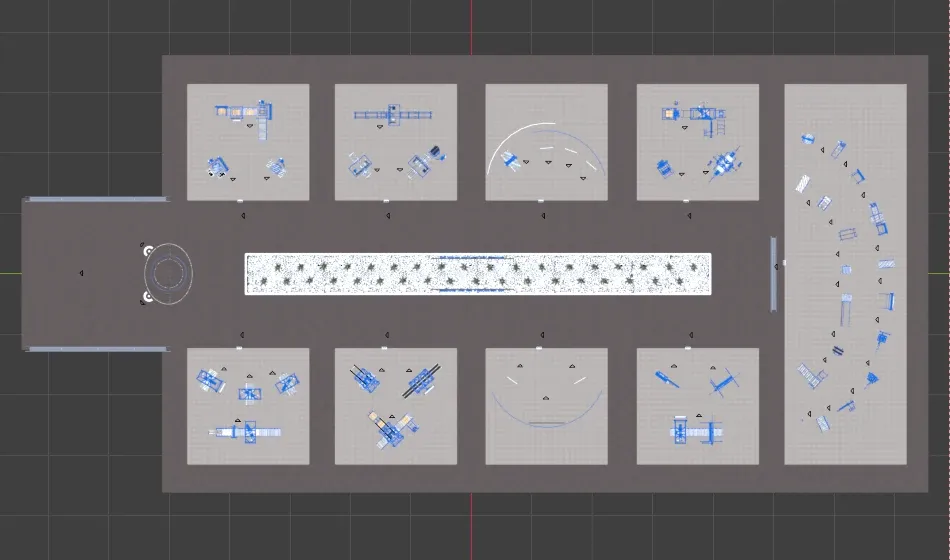
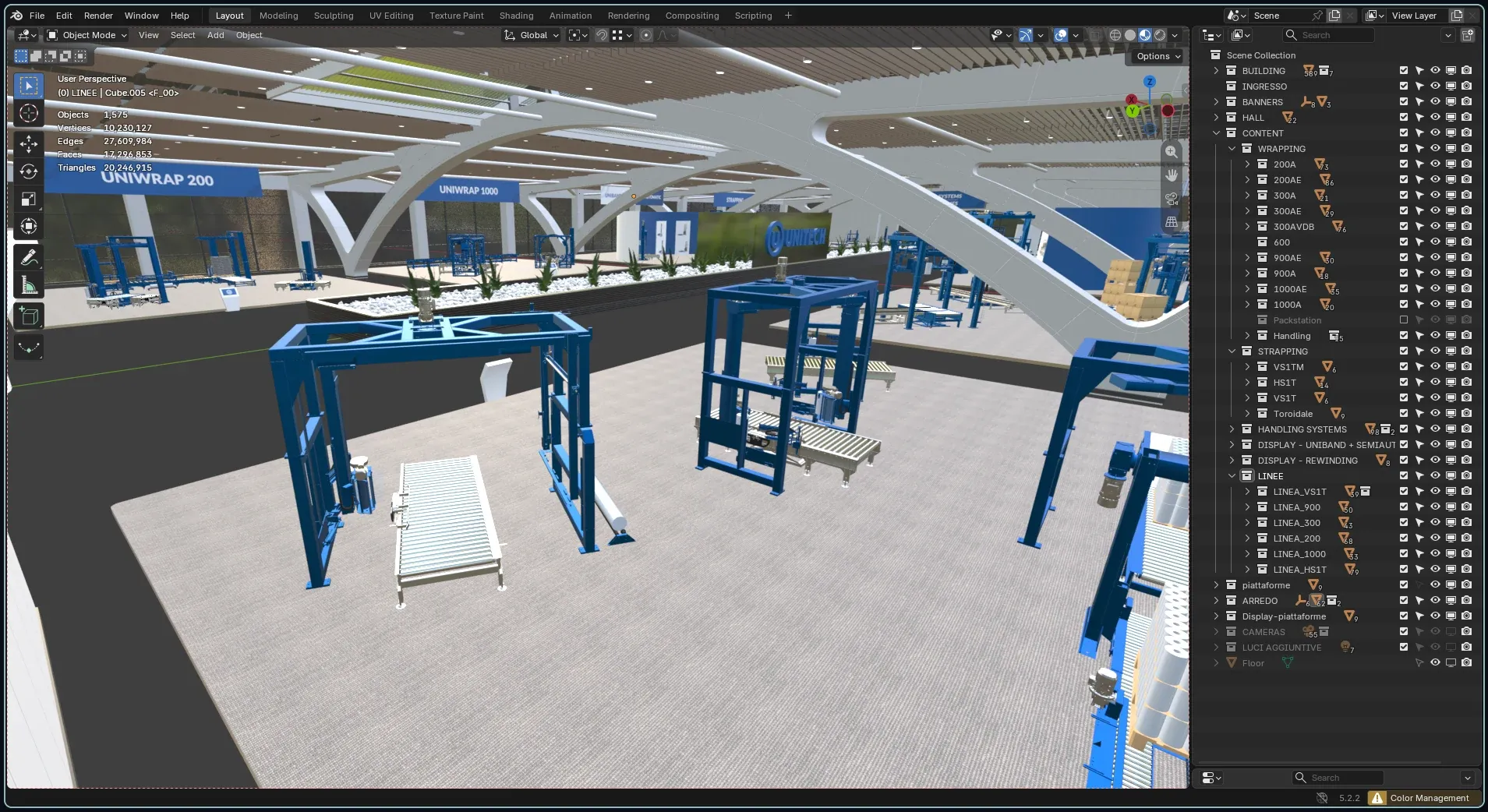
A catalogue lists products; a hall arranges them, and the arrangement tells customers how the range is organised before any text does. The plan came first: eight pavilions, one for each product family, around a planted aisle that tells you which side of the hall you are on, and a semicircle at the end with complete example lines, where single machines become a working system.
Each pavilion is sized on the largest machine it holds, with enough room for a camera to stand between machines and see each one whole. Banners hang high, so they can be read from across the hall, and name the family below them: they are the signage of the tour.

From CAD to scene
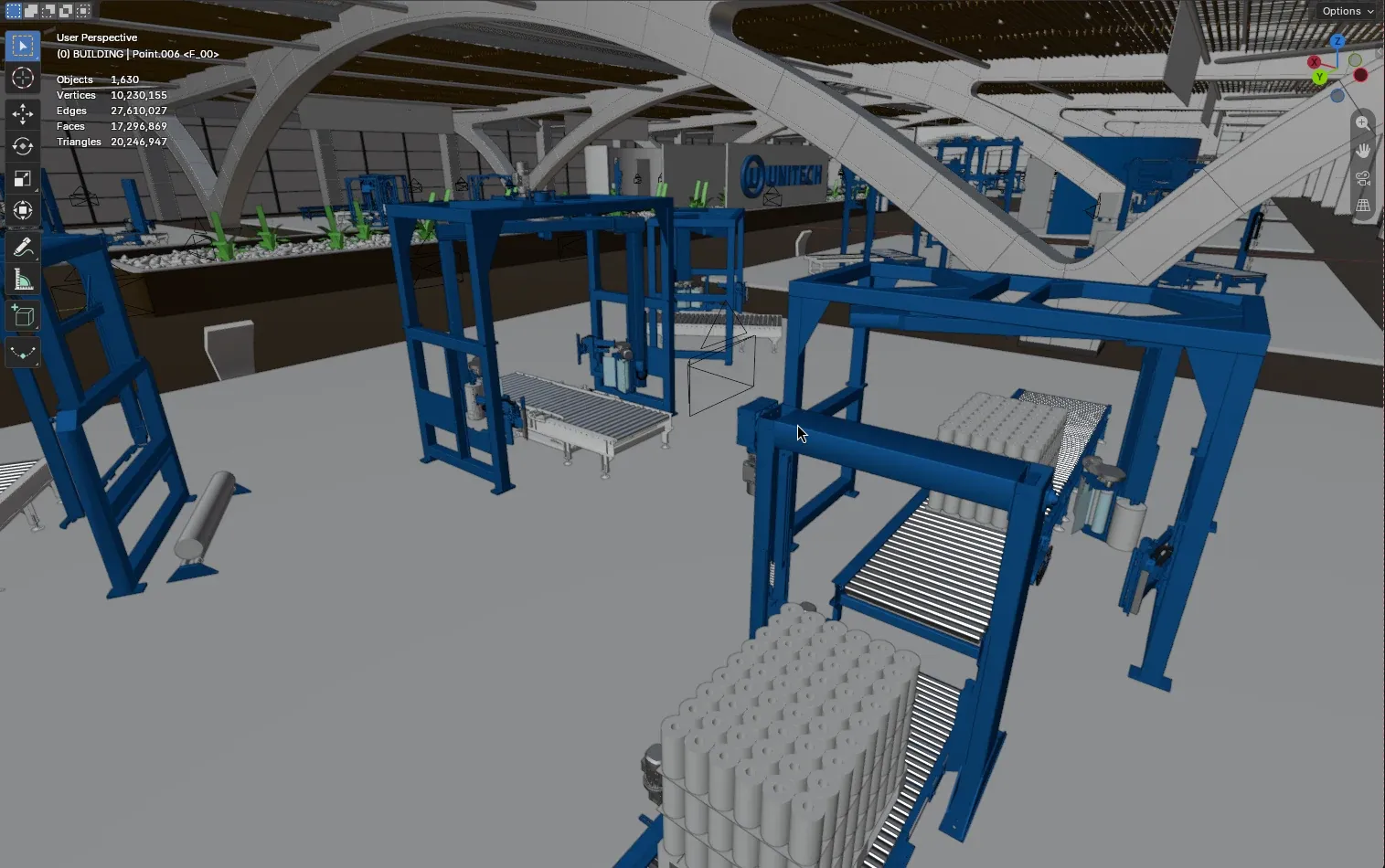
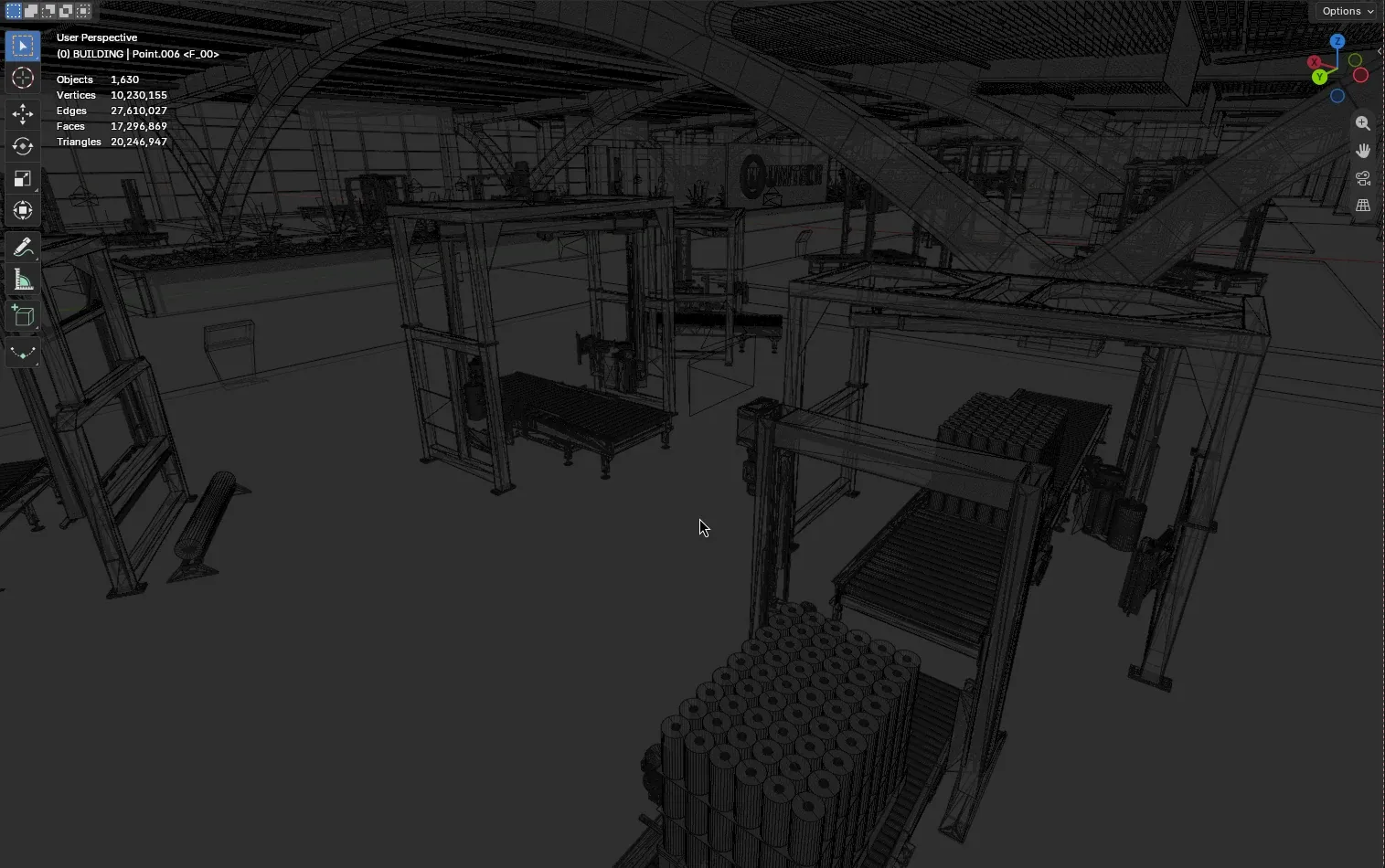
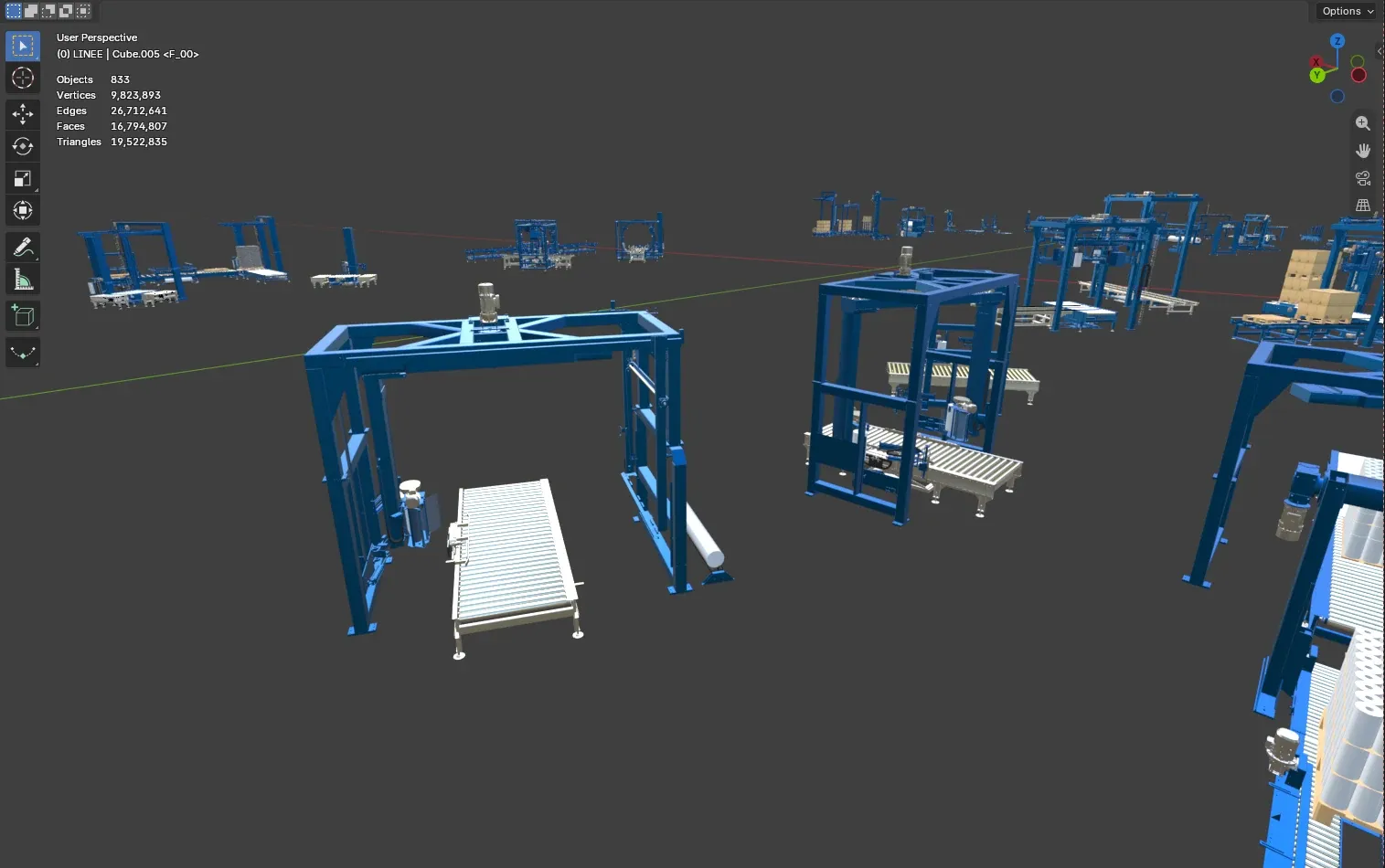
The machines came from Unitech’s engineering as SolidWorks production files: every bolt a separate body, surfaces split at random, no materials. I cleaned each model, gave it materials and placed it in its pavilion, and modelled the building, the stands and the furniture from scratch.
The final scene holds 1,630 objects and about 20 million triangles, 96 % of them in the machines. Collections follow the catalogue, family by family and model by model, so an update from Unitech touches one collection instead of the whole scene.
Directing the viewpoints
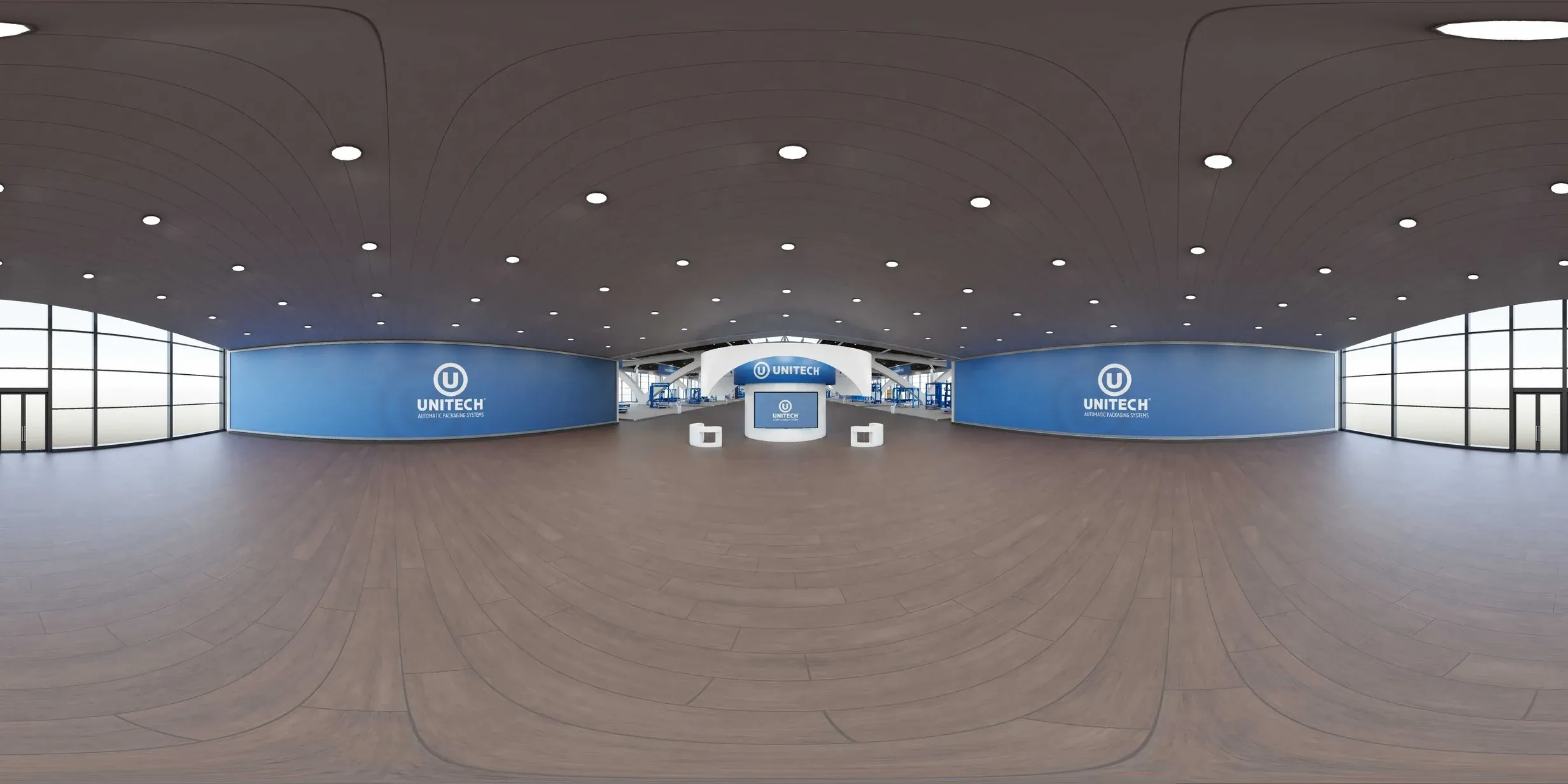
A 360° tour has no free camera: visitors can only stand where a camera was placed, so choosing those points was the real design work, closer to directing than to modelling. Every pavilion has an overview and one point per machine, close enough to read the machine and far enough to keep the pavilion around it. From each point the next one is in sight, so moving through the hall feels like walking rather than jumping between pictures.
In Blender every viewpoint is a camera bound to a frame of the timeline, and the 56 viewpoints render as one Cycles batch: a change to the lighting or to a machine costs one re-render, not 56 exports.
The interface
The panoramas play in a standard player. The layer visitors touch, on top of it, I designed and coded in HTML, CSS and JavaScript: a menu that follows the hall with the same families in the same order, a map of the hall that shows where you stand, hotspots on each machine that open its product sheet and video, a switch between Italian, English and Spanish, and requests for a guided tour or a video call with sales.
The tour is a sales tool, so every route ends at a person: one click from a machine to its product sheet, one more to sales. It went live in April 2022 and is still online, as I delivered it: visit the tour.